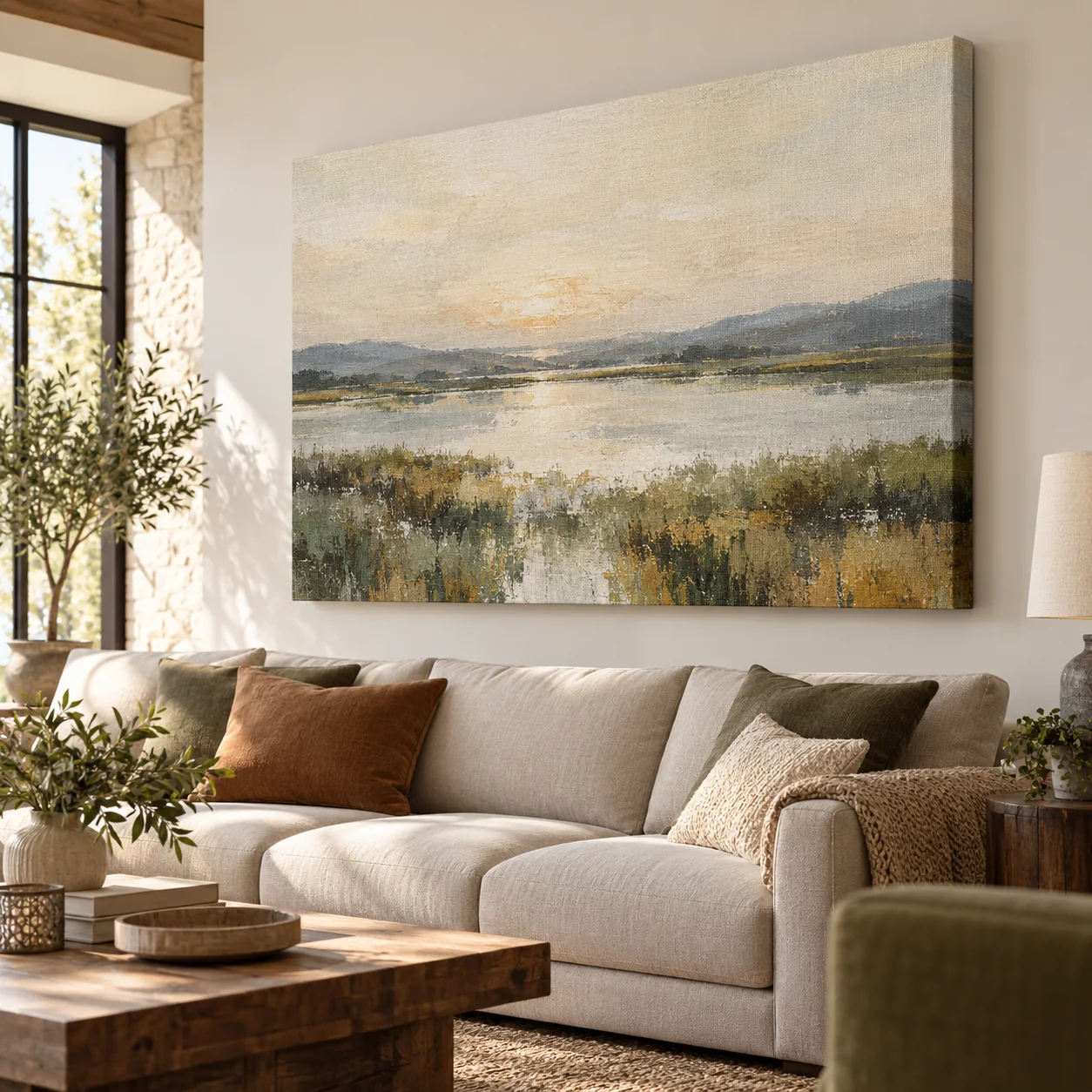
Image for inspiration.
Your own photo on canvas
Give a favourite landscape, family portrait or everyday moment a place on your wall. Start with your photo and explore a crop that suits your room.
- Start with your own photo
- Explore different crops
- Made in-house
Size
Made to measure
Width and height depend on your chosen material and the available production dimensions.
Prices and ordering options will follow when online ordering is available.
What can I try here?
Choose your photo and crop. Your photo stays on this device.
Which design is right for me?
Start with the space and the image you want to use. Final materials and sizes are not confirmed yet.
Design with your own photo · Photo canvas
Choose your photo and crop. Your photo stays on this device.
Drag the photo or use the sliders to adjust the crop.
Choose a valid size for this finish.
Your download is a preview, not a print file or order. Photo and settings are cleared when you reload.
A photo with a place in your home
A canvas print presents your photograph on canvas rather than smooth photo paper. Choose an image you enjoy looking at every day: a view from a memorable trip, a portrait or a small detail with personal meaning. Consider the colours already in the room and whether you want the picture to stand out or feel calm.
Choose the shape around the subject
A wide landscape can work above a sofa, while a portrait may suit a narrow wall. Try landscape, square and portrait crops before deciding. Keep the main subject clear and avoid placing faces close to the edge. Look at the image from a distance as well as close up.
Prepare your design
Use the original image from your phone or camera. Leave space around faces and important details so the crop can be adjusted. The preview helps you explore proportions; it does not assess print quality or show a confirmed finished size.
Questions about Photo canvas
Can I use a photo taken on my phone?
Yes, a phone photo can be a good starting point. Suitability depends on sharpness, cropping and the intended print size. Use the original file and check for motion blur; megapixels alone do not determine quality.
Can I use a black-and-white photo?
A black-and-white image can work well in a quiet interior. Check that dark areas retain detail and that the subject is distinct from the background.
When can I order?
This product is not available to order online yet. Pricing, options and the configurator will be added with the complete ordering process.
Content updated on .